Islamic Biodata Backgrounds: Free Download (PNG)
Looking for a beautiful Islamic background for your biodata, for Word, a design app or printing? Download any of the 8 designs below for free. If placing the text sounds like a chore, make it in a ready Islamic template instead.
No login to start. Replace the sample details with your own; PDF download is free.
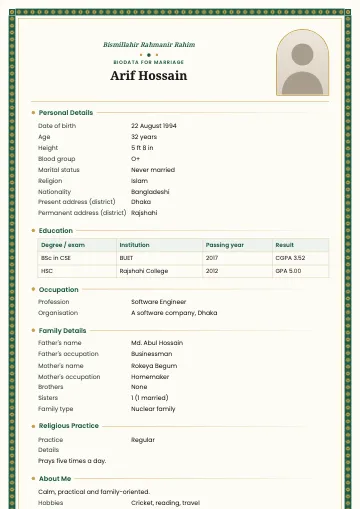
Free Islamic backgrounds
Every background is A4, with a clear area in the middle for your text. Geometric patterns and lines only, with no pictures or text.
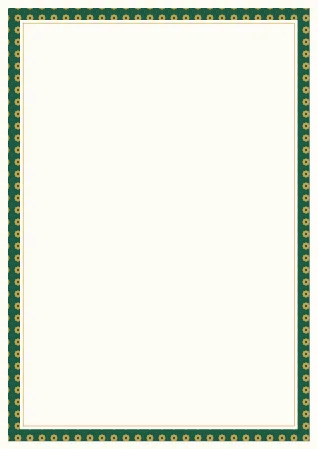
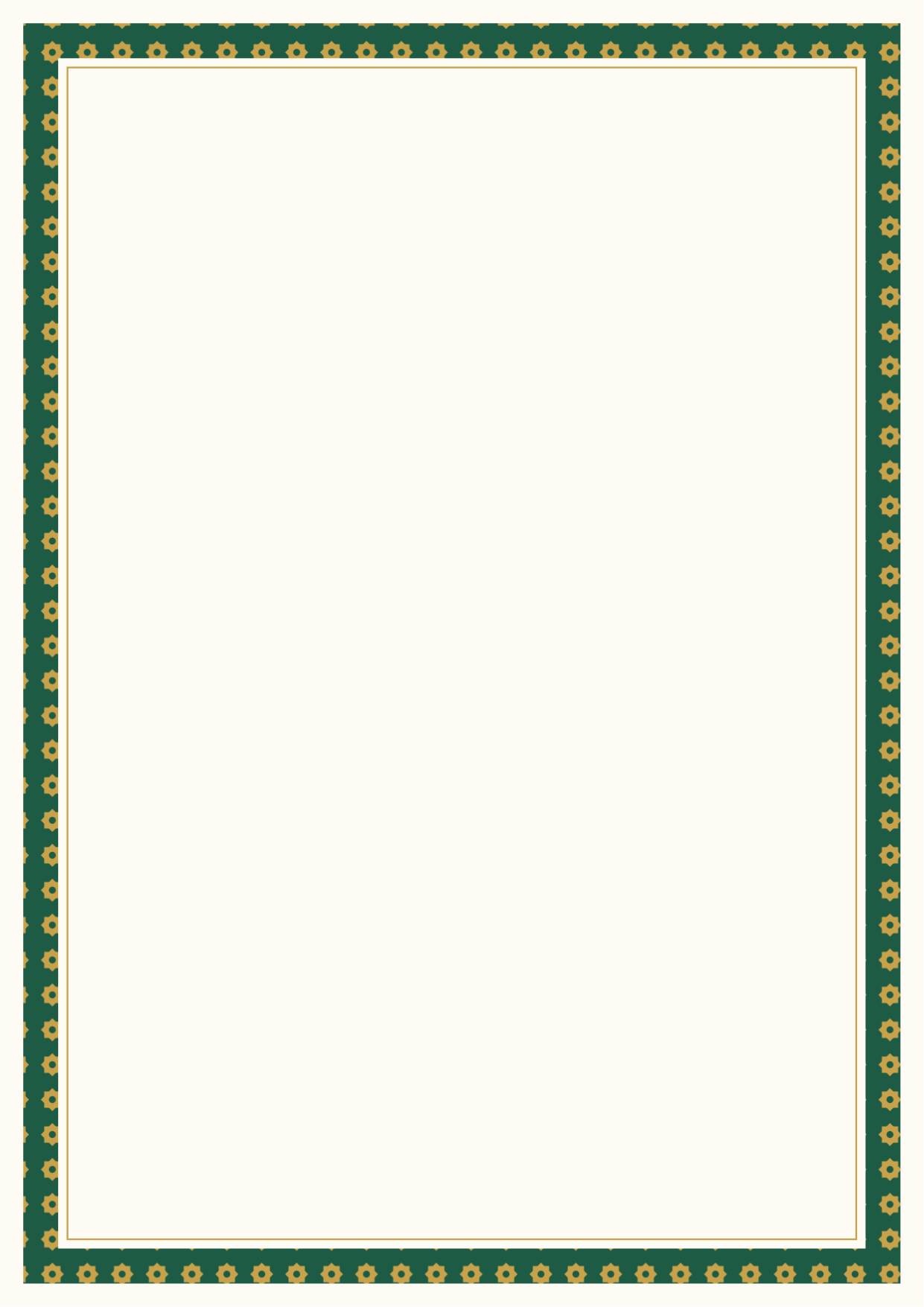
Emerald star border
Download PNGMake a biodata with Islamic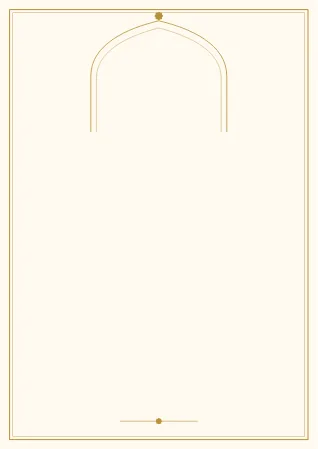
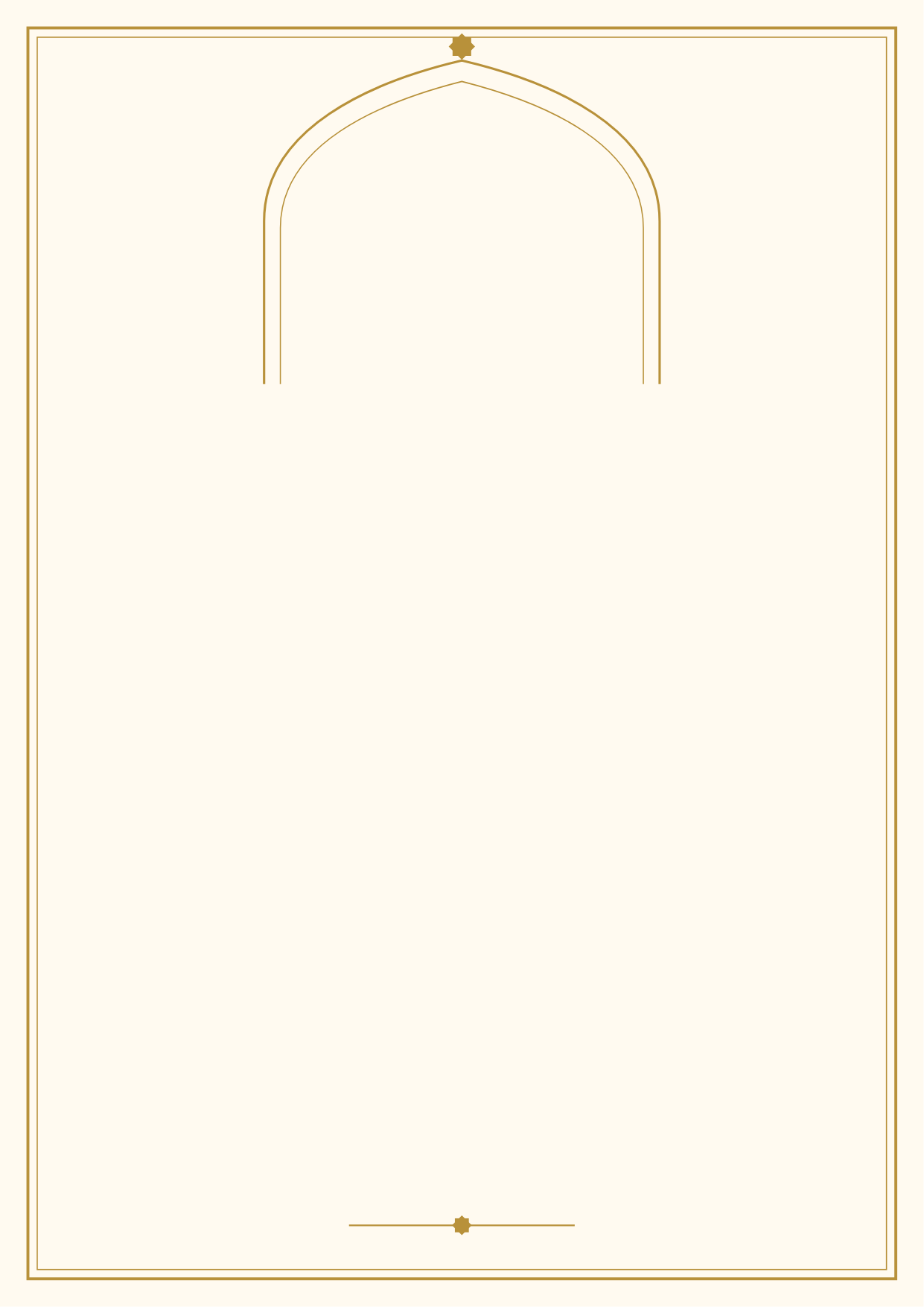
Gold mihrab
Download PNGMake a biodata with Noor
Midnight lattice
Download PNGMake a biodata with Noor
Teal girih band
Download PNGMake a biodata with Hilal
Rose arabesque
Download PNGMake a biodata with Sukoon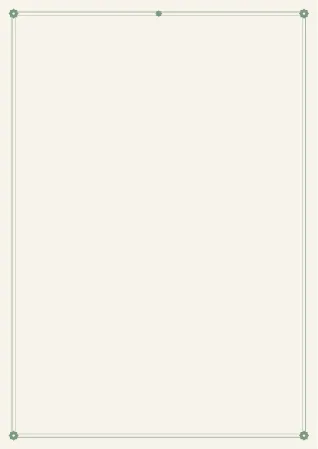
Sage minimal frame
Download PNGMake a biodata with Sukoon
Maroon arches
Download PNGMake a biodata with Rawdah
Black and gold geometry
Download PNGMake a biodata with Amanah
How to use them
- In Word: Insert → Pictures, then Wrap Text → Behind Text, and stretch it over the page. Type your biodata on top.
- For printing: print the background on A4 and write by hand. For a ruled form, see blank biodata form PDF.
- In a design app: set it as the background and add your text. If you write in Bangla, check the conjuncts in the final file.
Without placing text yourself
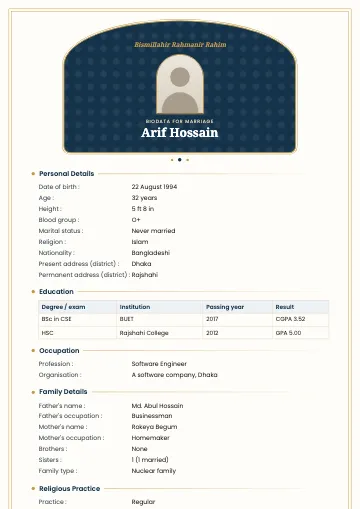
Under each background is a link to a matching template. Just fill in the form: the design, the Bismillah and the religious section are already there, and Bangla is correct in the PDF. See every Islamic template in the template gallery, and how to write the religious section in the Islamic biodata guide.
Updated:
Frequently asked questions
- Are these backgrounds free?
- Yes, completely free for your own or your family's biodata. They're all our own designs.
- How do I put text on a background?
- In Word, insert the image with "Behind text" wrapping and type over it, or use any design app. The easy way: fill in one of our Islamic templates and the design is already there.
- What size are the images?
- A4, 1240 × 1754 pixels (150 dpi): enough for printing and for phones.
- Do they contain Arabic text?
- No. The backgrounds are geometric designs only, so you can add the Bismillah or anything else yourself.
Templates that suit this article





Read next
- Islamic Biodata for Marriage: Format, Religious Section and Sample
How to write an Islamic marriage biodata: optional Bismillah, a religious practice section with examples, deen in expectations and photo privacy. Free templates.
- Biodata for Marriage for a Girl: Format and Full Sample
How to write a girl's (bride's) marriage biodata in Bangladesh: the right format, a complete sample, and advice on photos and privacy. Start from the sample for free.