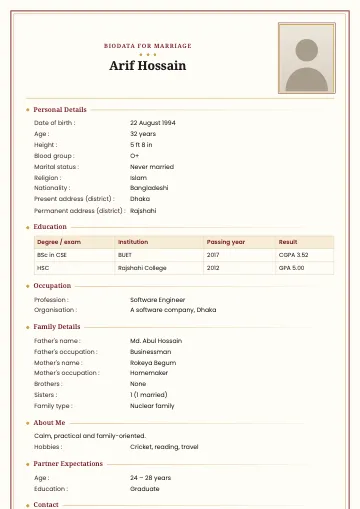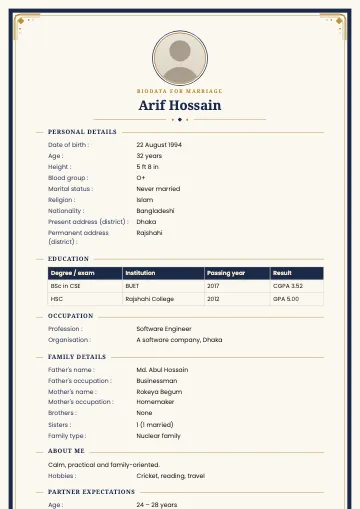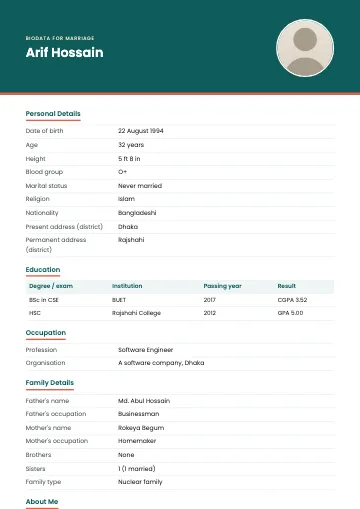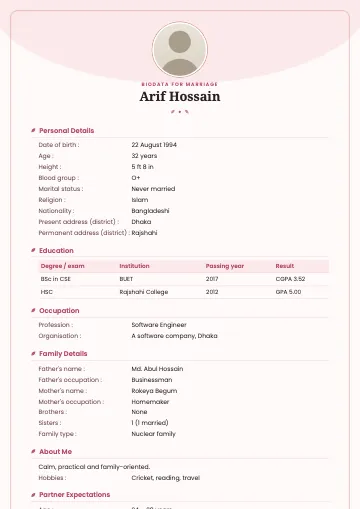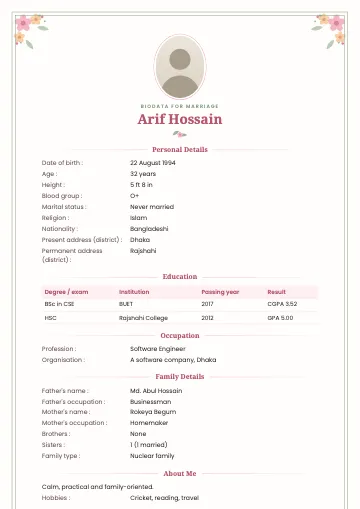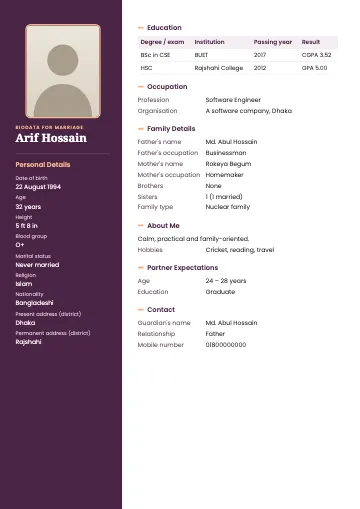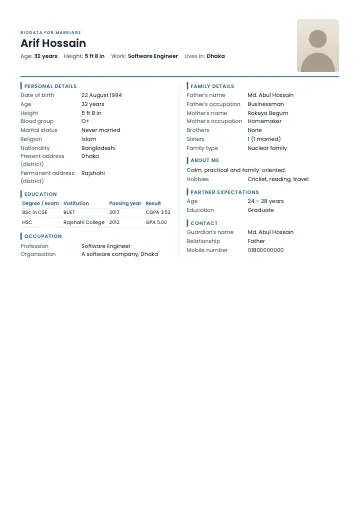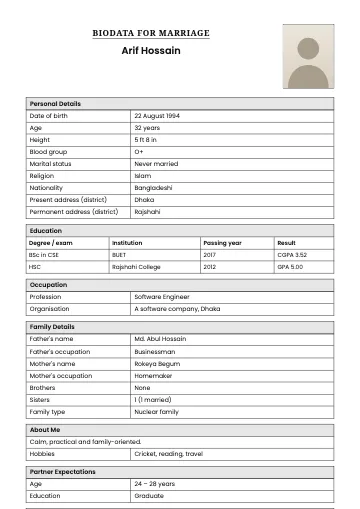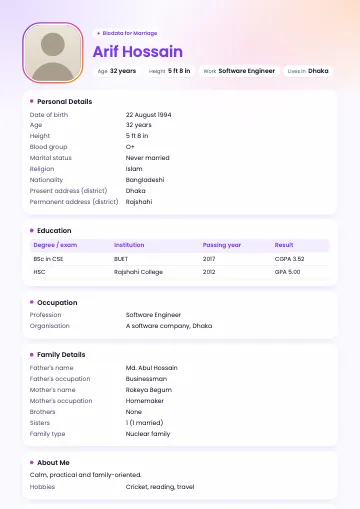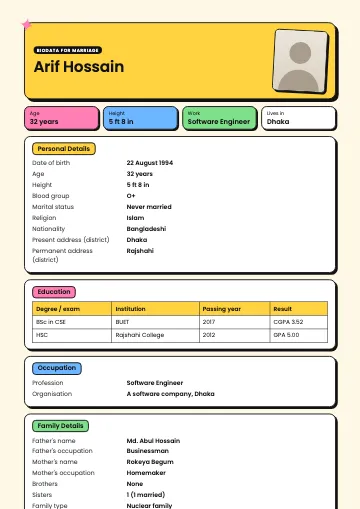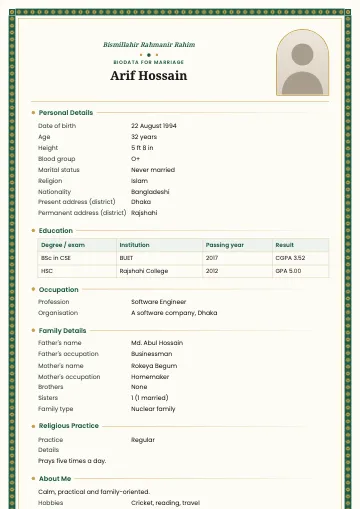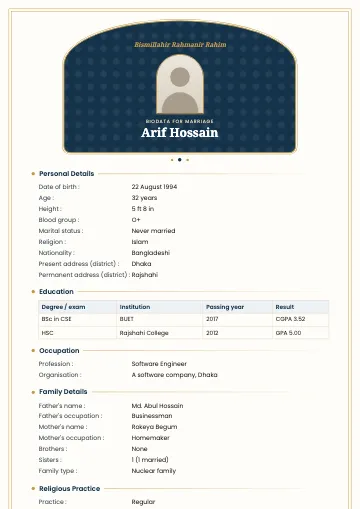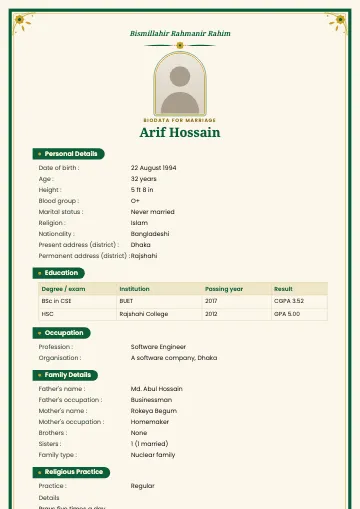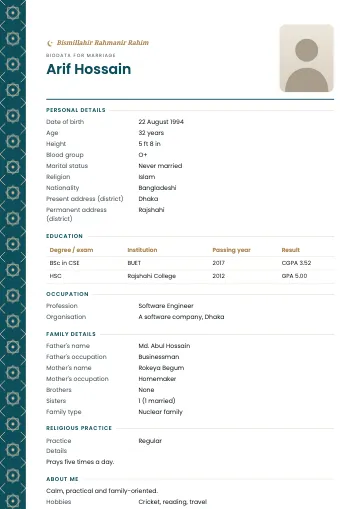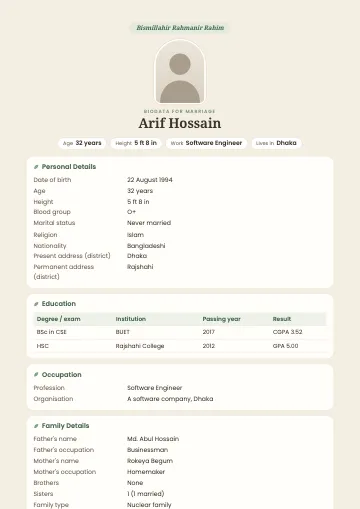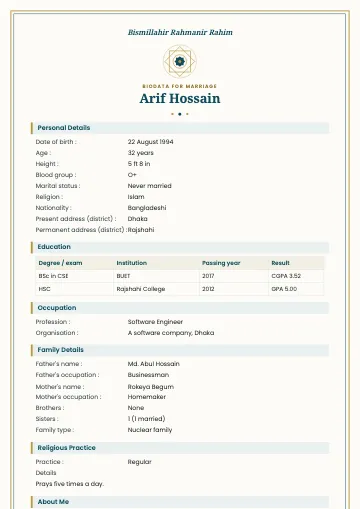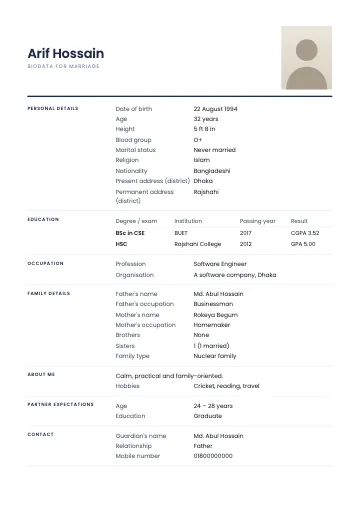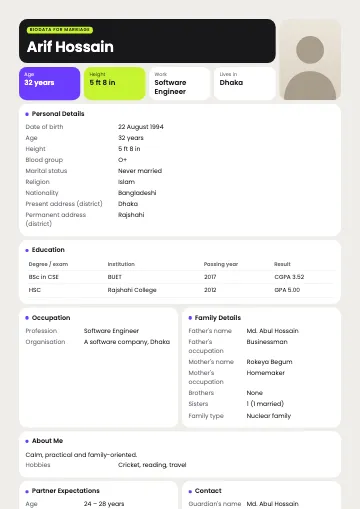
The person in the sample is fictional.
Bento marriage biodata template
Tile layout, key facts at a glance
Bento borrows the "bento grid" from modern apps and websites: the whole biodata is split into rounded tiles. A black tile holds your name in large type, a tall tile holds your photo, and violet, lime and white tiles show age, height, work and district. Short sections pair up side by side; longer ones take the full width.
What you get
- A4, 1 or 2 pages
- Bangla and English
- PDF, PNG and JPG with correct Bangla
Who is this template for?
Young people in tech, design or corporate jobs who like information clear and organised. If you want the reader to get the essentials in five seconds, Bento does it well.
What's included?
- Black name tile with a lime heading chip
- Four fact tiles and a tall photo tile
- Short sections side by side; tables and paragraphs full width
- White tiles on a light grey board that print cleanly
When to choose Bento
Choose Bento to present a lot of detail in an orderly, modern way. If your career and education are your strongest points, this layout puts them up front.
Tips for the best result
Bento pairs short sections side by side, so keeping sections like occupation and contact brief makes neat pairs. Try reordering sections to see which arrangement gives the most balanced tiles. The photo tile is tall, so use a shoulder-length photo rather than a full-body one, so your face reads clearly.
Make a biodata with this templateFrequently asked questions
- Who decides which sections sit side by side?
- The template does: tables, long paragraphs and sections with many rows take the full width, short ones pair up.
- How does Bento look without a photo?
- The name and fact tiles stretch across the full width, so there's no empty tile.
- Can I change the order of sections?
- Yes. Move any section up or down in the "Arrange & settings" step and the tiles follow.