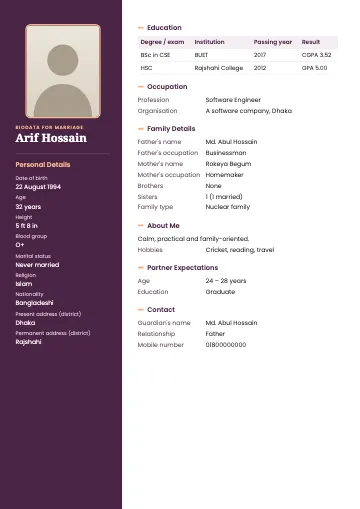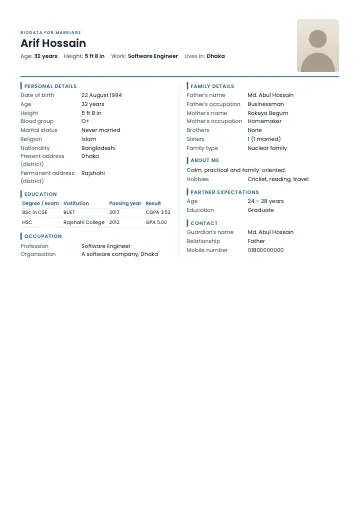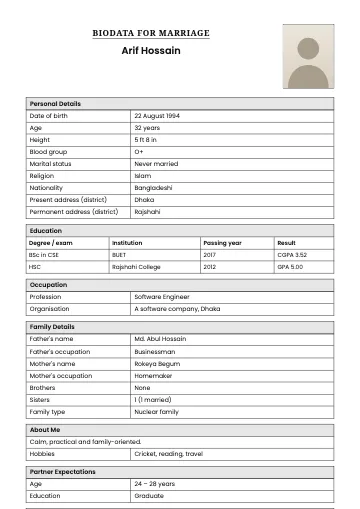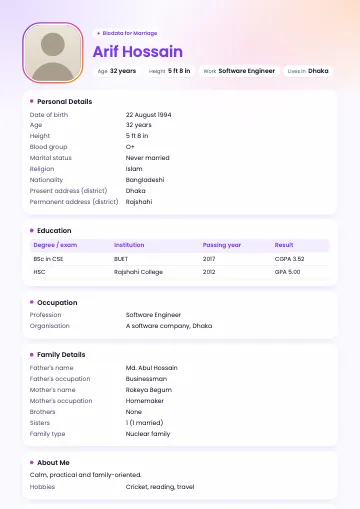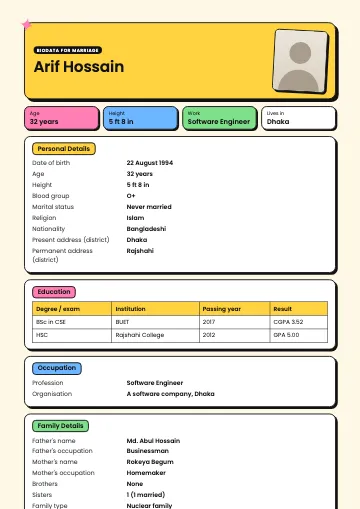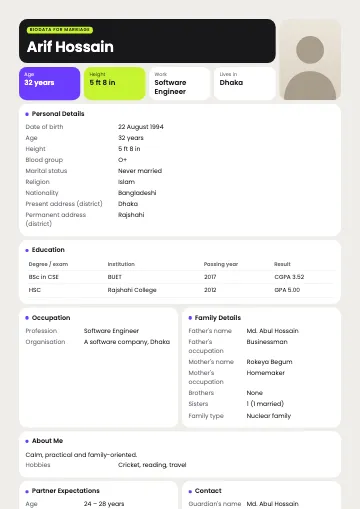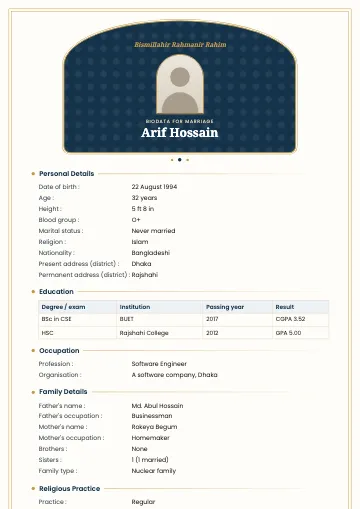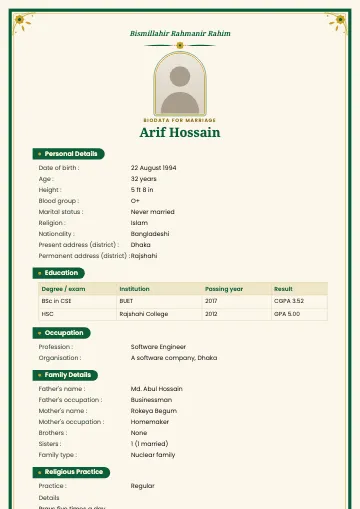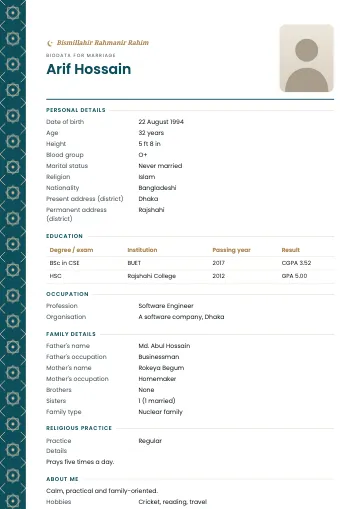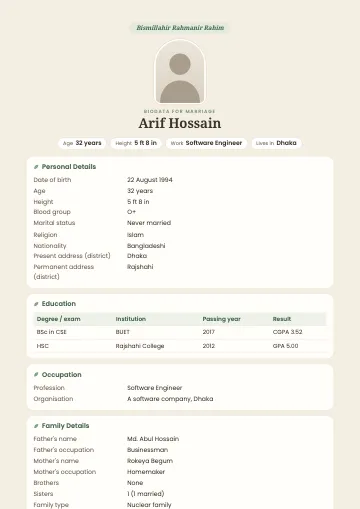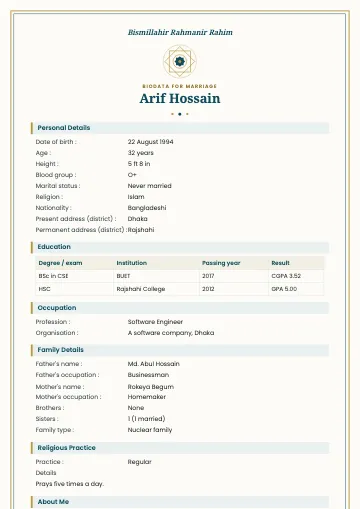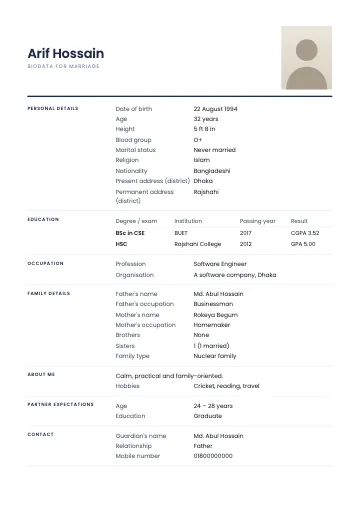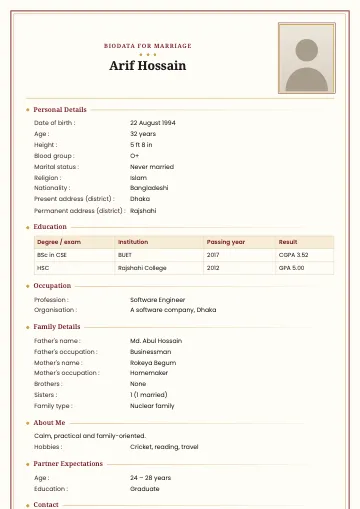
The person in the sample is fictional.
Classic marriage biodata template
Maroon and gold border, traditional
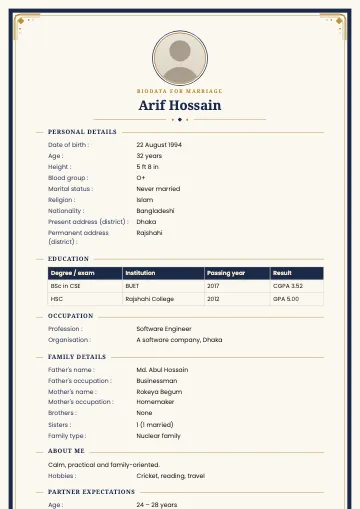
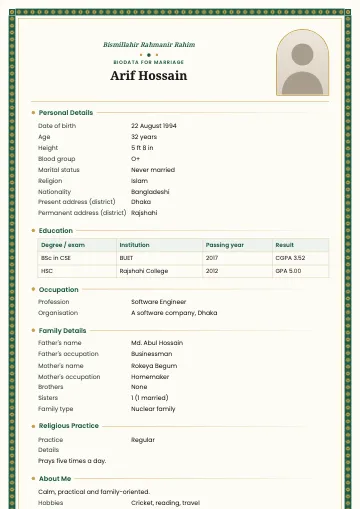
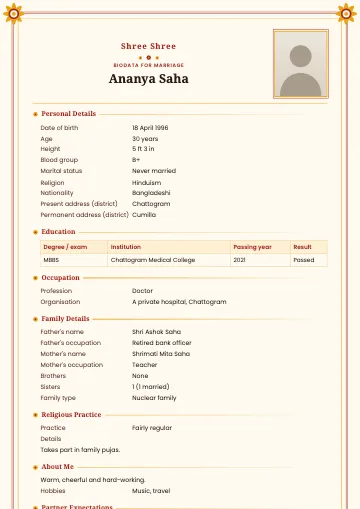
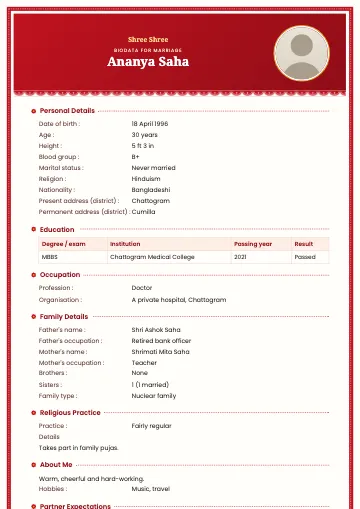
Classic is the biodata most Bangladeshi families will recognise at a glance: a maroon frame with a fine gold line inside, "Biodata for Marriage" centred at the top, the full name in large serif type and a photo on the right. Small gold diamonds mark each section, so the page is easy to scan without feeling heavy.
What you get
- A4, 1 or 2 pages
- Bangla and English
- PDF, PNG and JPG with correct Bangla
Who is this template for?
It's the safest choice when you want the older generation to feel at home with your biodata: proposals through a matchmaker or relatives, first-time biodatas, or families who prefer tradition. The design has no religious symbols, so it suits any family.
What's included?
- Maroon and gold double frame, repeated on every page of a two-page PDF
- A tidy table for education
- Serif headings, with Bangla conjuncts always correct
- A framed photo on the right, or no empty box if you skip the photo
When to choose Classic
Pick Classic for colour printing or a PDF on WhatsApp when you want something familiar and elegant. If you'll mostly print in black and white or photocopy, Minimal is the better fit.
Tips for the best result
Classic sets your name in a large serif face, so use your full name rather than a nickname. The photo frame is portrait (4:5), so a straight, shoulder-length photo suits it best. Put your most recent degree first in the education table and keep the result column to the GPA or class. When printing, turn off "Fit to page" so the border isn't cropped.
Make a biodata with this templateFrequently asked questions
- Can I make the Classic biodata in English?
- Yes. Choose English as the biodata language and every heading switches to English; the design stays the same.
- What if my details don't fit on one page?
- Choose the two-page layout in the "Arrange & settings" step. The text gets a little larger and the border appears on both pages.
- Can I switch to another template later?
- Any time. Your details are kept; only the design changes.