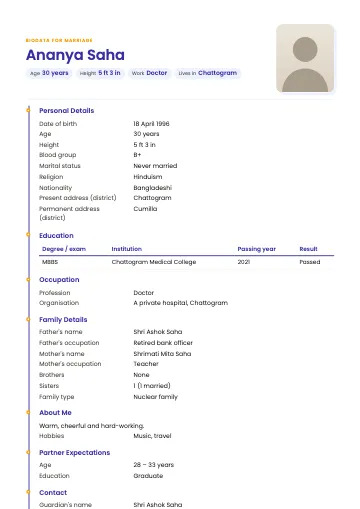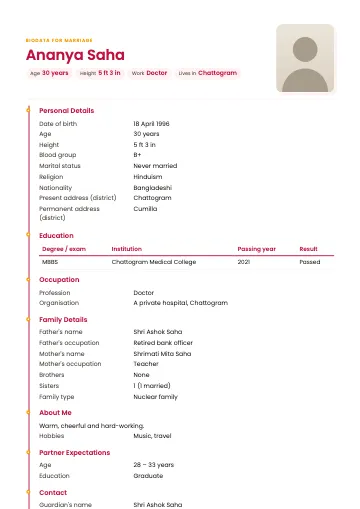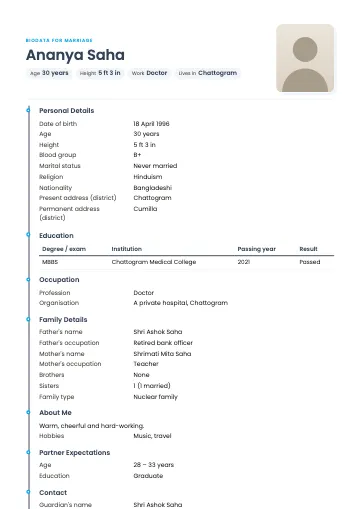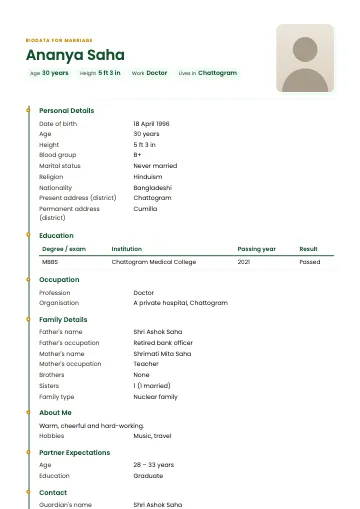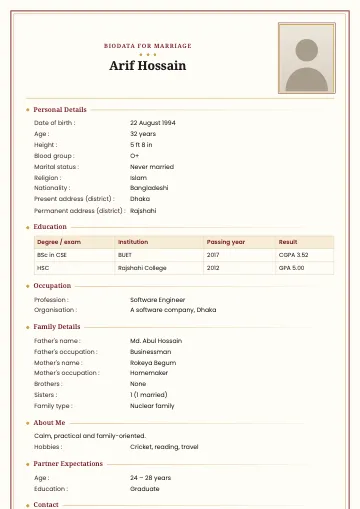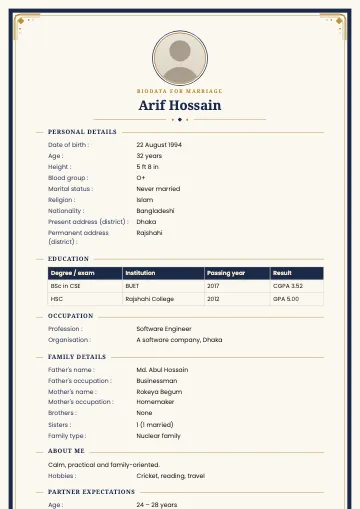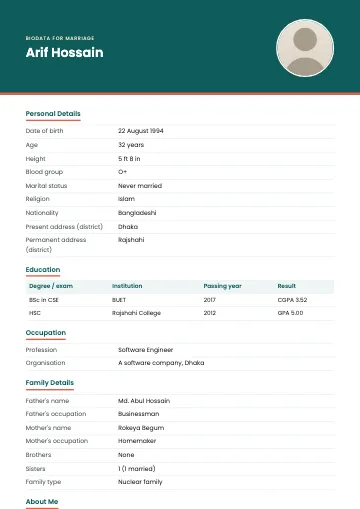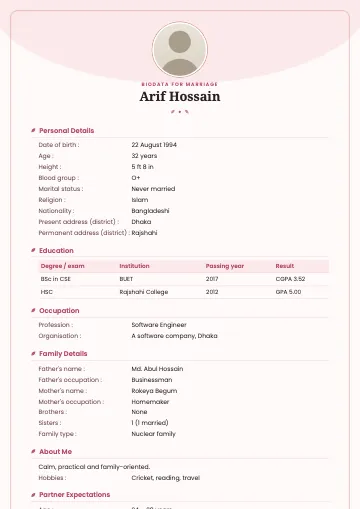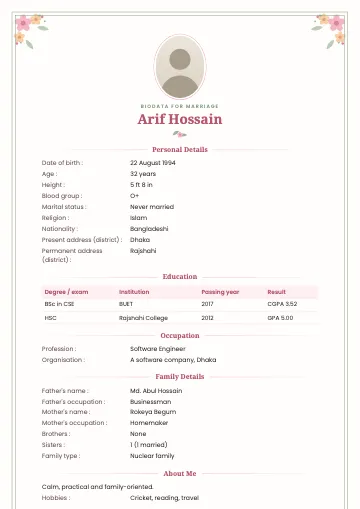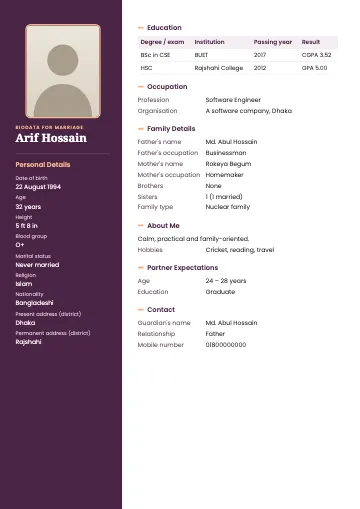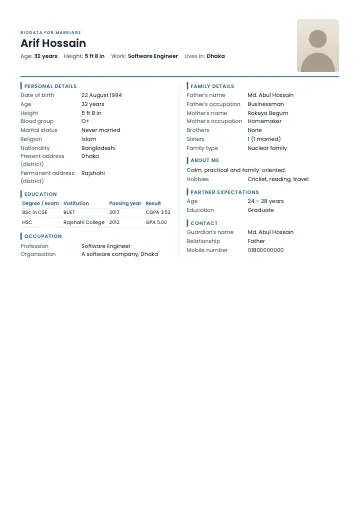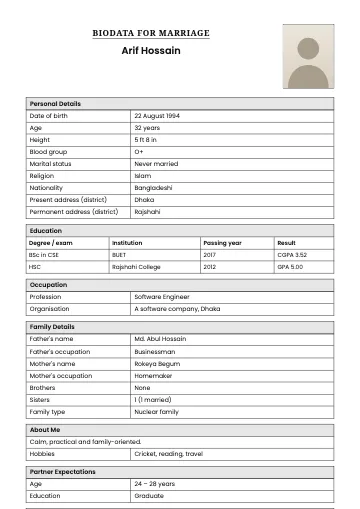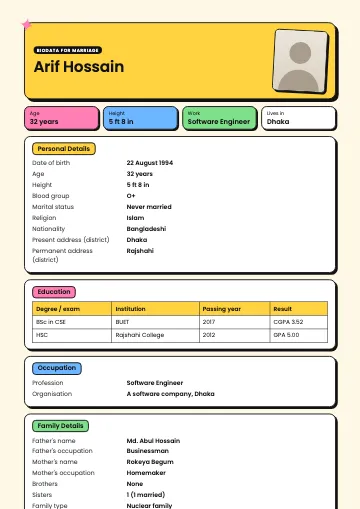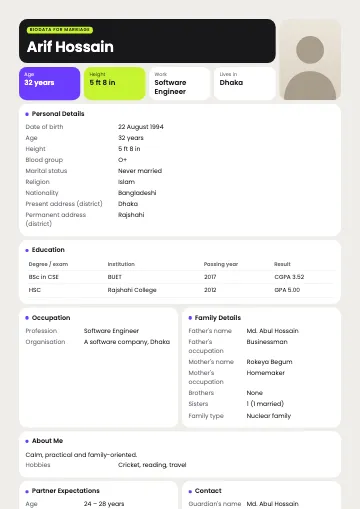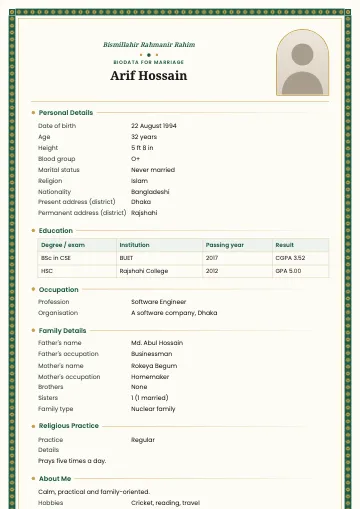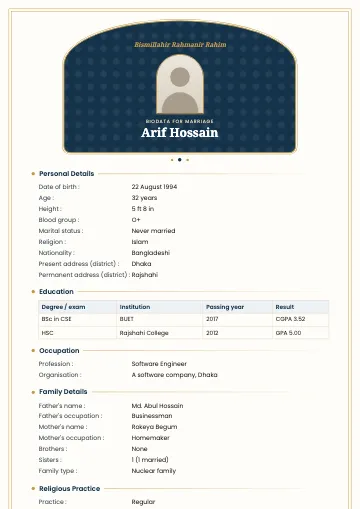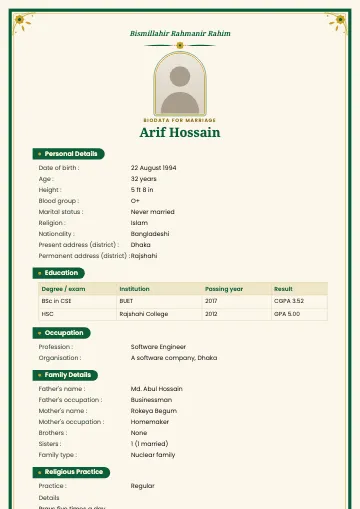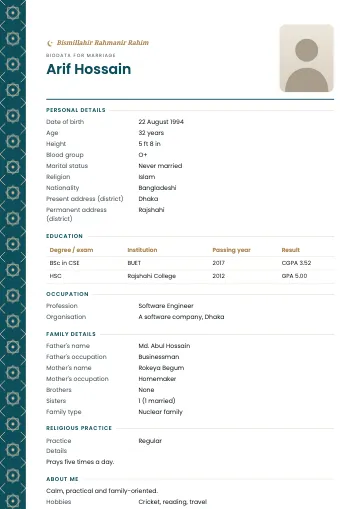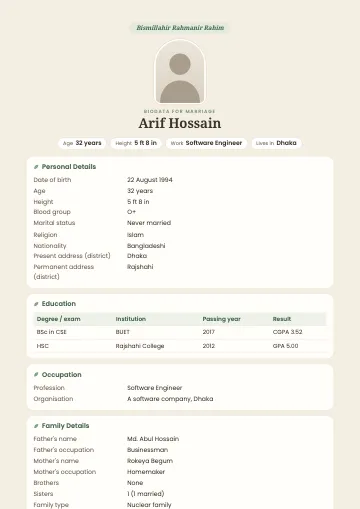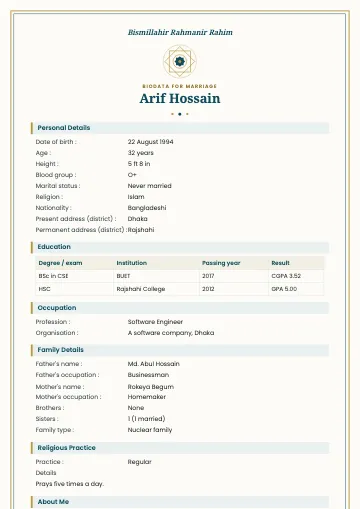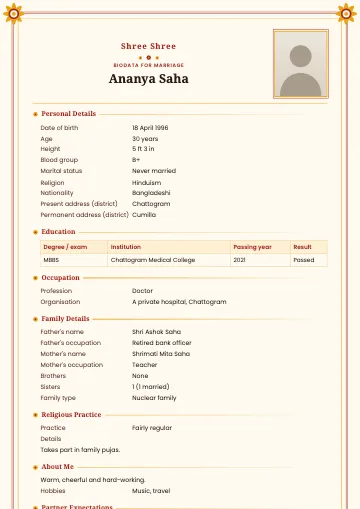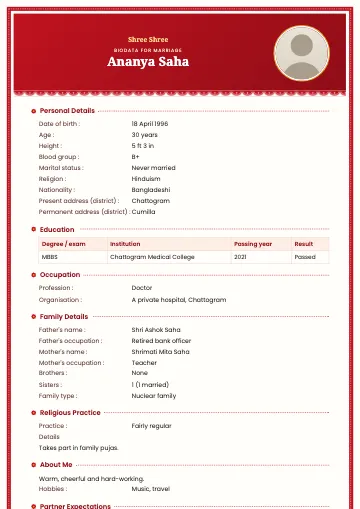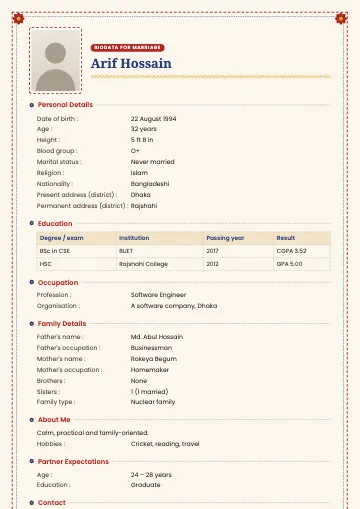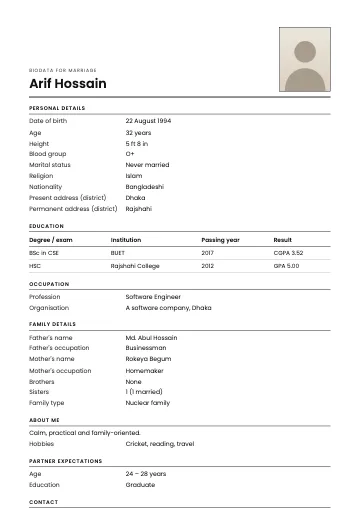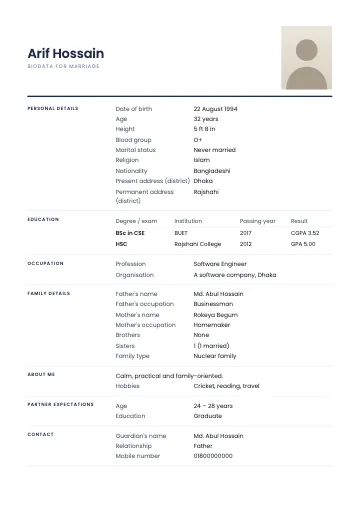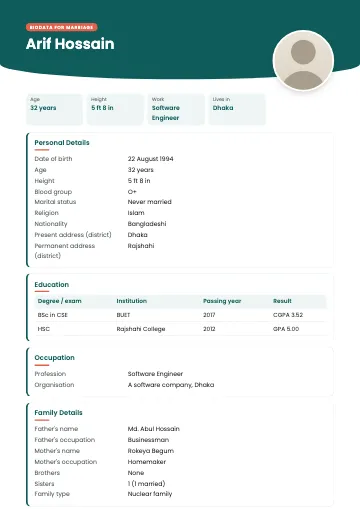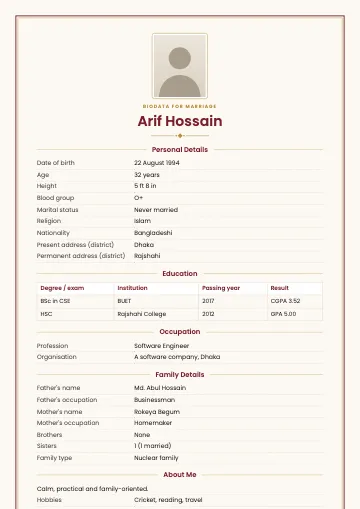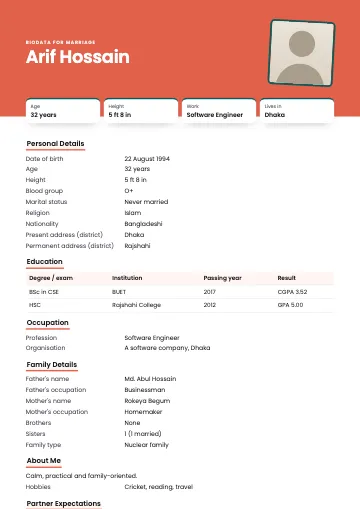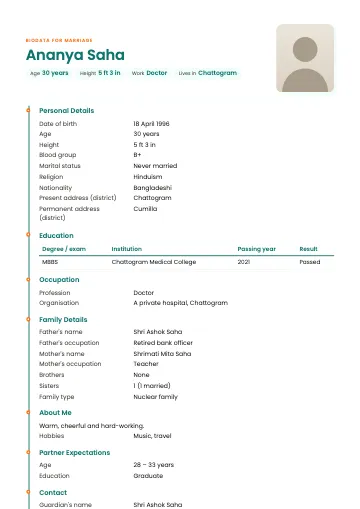
The person in the sample is fictional.
Timeline · Teal marriage biodata template
Side line with dots, modern and clean
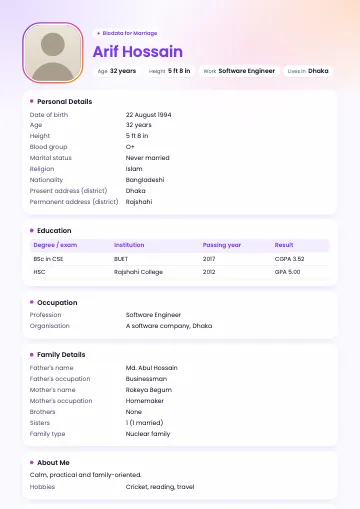
Timeline strings every section along one vertical coloured line, with each title sitting on a dot, like the story of a life. Your name is set large at the top, with small pills underneath for age, height, profession and district, and a rounded photo on the right with a soft coloured shadow behind it.
What you get
- A4, 1 or 2 pages
- Bangla and English
- PDF, PNG and JPG with correct Bangla
Who is this template for?
Timeline is for people who like clean, modern writing on a white page, such as engineers, doctors, teachers and researchers. Even with a lot of information, the line makes it easy for the eye to move from one section to the next.
What's included?
- Five colours: teal, indigo, rose, slate and forest
- Every section on a dot along a vertical line
- Pills for age, height, profession and district under the name
- A white background that saves ink when printing
When to choose Timeline · Teal
Choose Timeline when you have a lot to show, such as several degrees or a long family description, and want it to look neat. For a fully traditional look, Classic or Frame is better.
Tips for the best result
Put your latest degree first in the education table, so the most important one is seen first when reading down the line. Keep your profession short and put the employer in its own field. Changing the order of sections in "Arrange & settings" changes the order along the line too.
Make a biodata with this templateFrequently asked questions
- Can I change the order of the sections on the line?
- Yes. In the "Arrange & settings" step, move any section up or down with the arrows.
- Does Timeline fit on one page?
- With typical details it fits on one page. With more, choose two pages and the text gets a little larger and continues on a second page.
- Where do I change the colour?
- Pick any of the five colours under "Colour" in the "Arrange & settings" step.