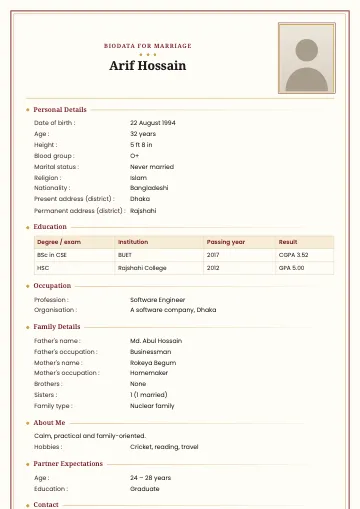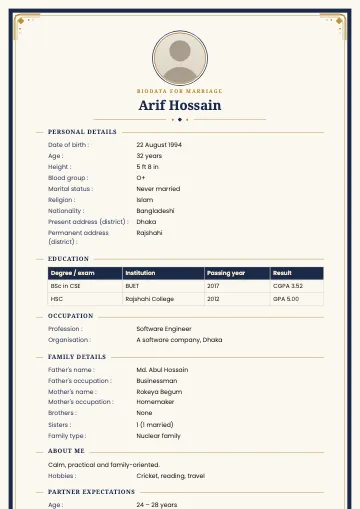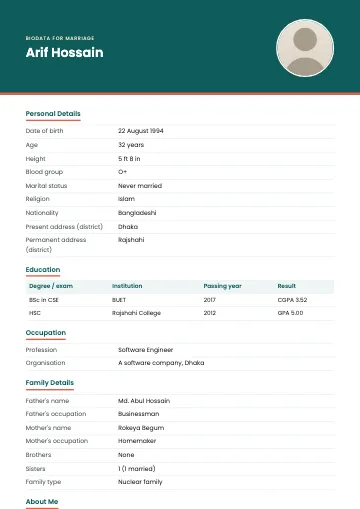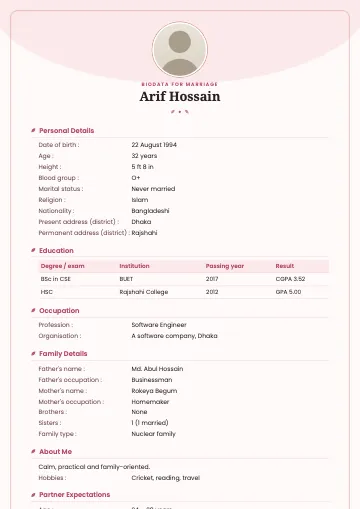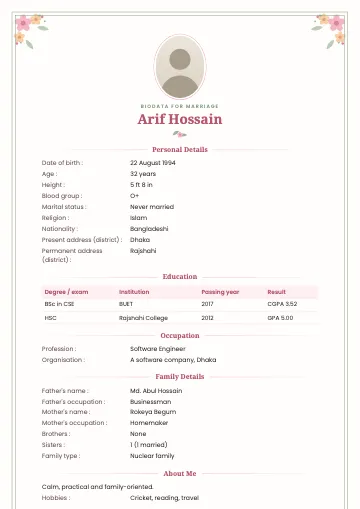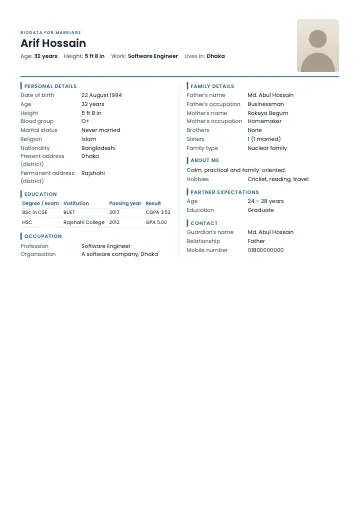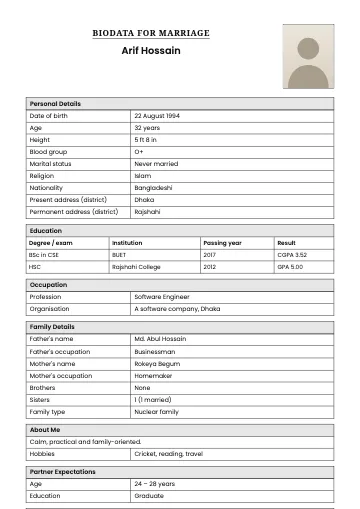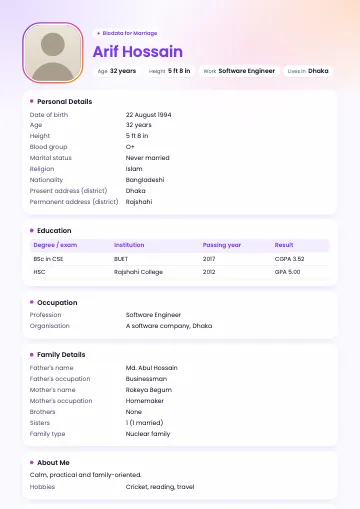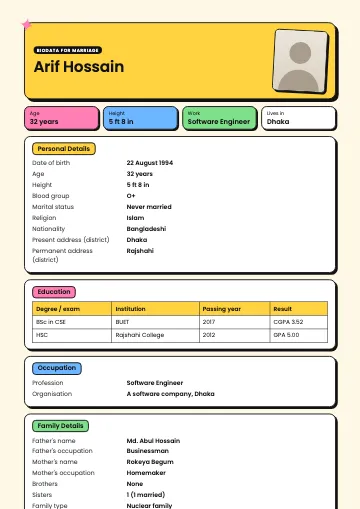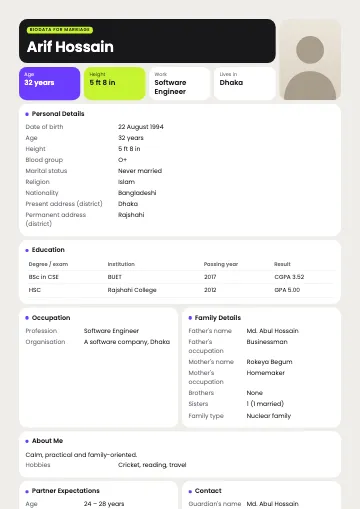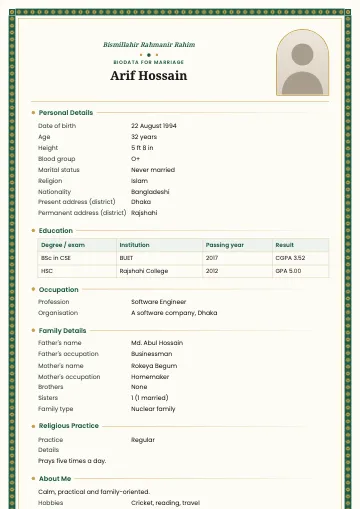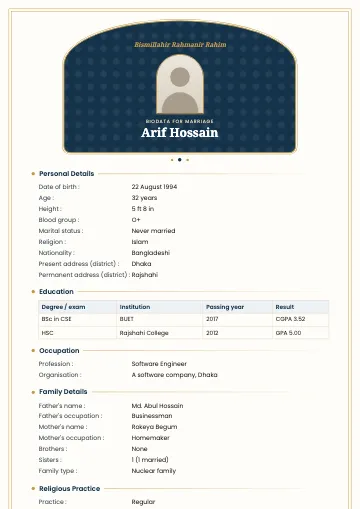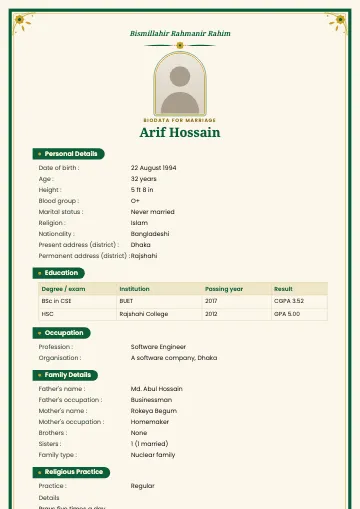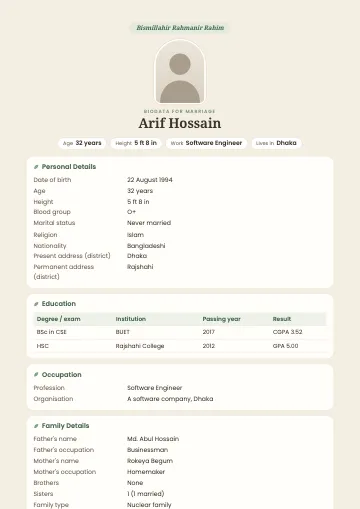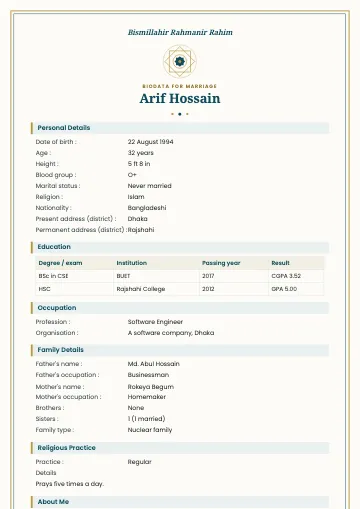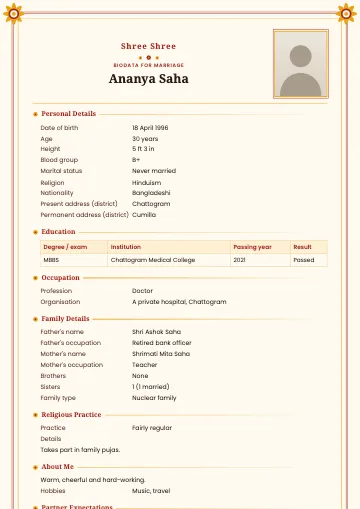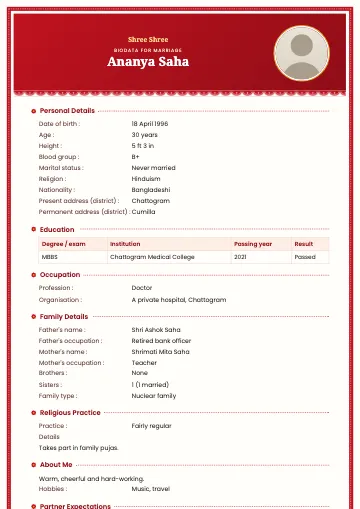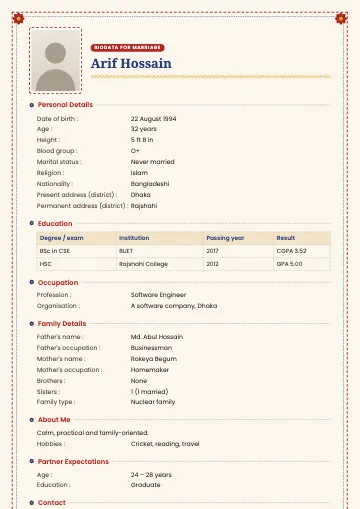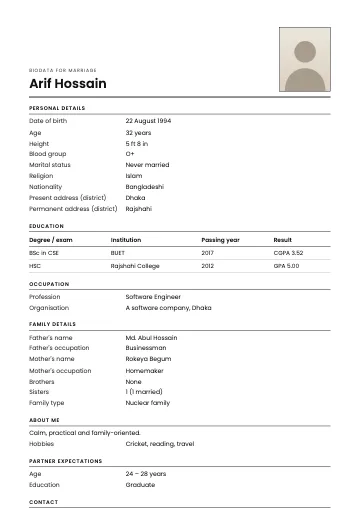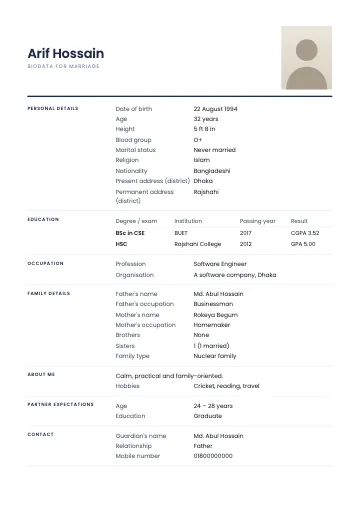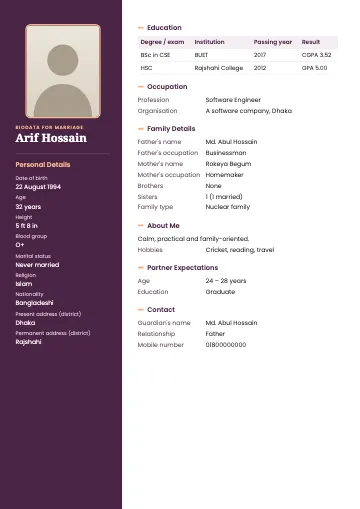
The person in the sample is fictional.
Sidebar marriage biodata template
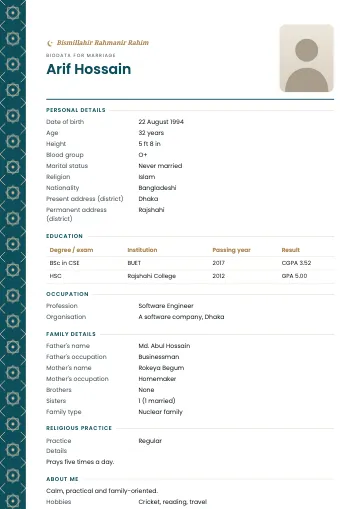
Photo and personal details in a side column
Sidebar is laid out in two columns, like a modern CV. A deep plum column on the left holds your photo, name and personal details; the white main column holds education, work, family, expectations and contact. It fits a lot on one page without feeling crowded.
What you get
- A4, 1 or 2 pages
- Bangla and English
- PDF, PNG and JPG with correct Bangla
Who is this template for?
Great for people used to writing CVs, or with a lot of education and career detail to show. It's also popular with younger brides and grooms who want something beyond the usual border.
What's included?
- Photo, name and personal details in the side column (each label above its value)
- Every other section in the main column
- The coloured column continues onto page two of the PDF
- Very long personal details move to the main column automatically
When to choose Sidebar
Choose Sidebar to fit a lot of information neatly on one page, or to give your biodata a professional look. The coloured column makes it especially good as a PDF or image on a phone.
Tips for the best result
In Sidebar's side column each answer sits under its label, so keep personal details short: "5 ft 4 in", not a sentence. The photo takes the column's full width, so use a portrait photo with a plain background. Education and career get plenty of room in the main column, so feel free to write institutions out in full.
Make a biodata with this templateFrequently asked questions
- What happens if my personal details are long?
- The side column is narrow, so if there's a lot the template moves that section to the main column instead of adding pages.
- Is Sidebar good for an English biodata?
- Very. A two-column layout feels natural in English, which suits families abroad.
- Will the side column look empty without a photo?
- No, your name and personal details then start at the top of the column.